
eLearning
Your accessibility partner to help with your eLearning content.
Make your eLearning content accessible
If you’re supplying eLearning content, would you say no to increased reach, better understanding, comprehension and memory from your content?
More than 100 studies outline that video captions improve comprehension, attention and memory for videos.
Subtitles particularly help deaf or hard-of-hearing workers, neurodivergent workers, or employees watching in their non-native language.
Additionally, one of Mayer’s 12 Principles of Multimedia Learning is the voice principle. This means that people learn better when real people voice learning materials, as opposed to AI. One to consider for voiceover workflows.
If workers don’t understand the eLearning videos or aren’t suitably engaged by them, they could misinterpret the information and do a job wrong, which can bring financial and reputational risks to the business.
Making your eLearning content as memorable and engaging as possible, for all audiences, mitigates that issue.
Send us the finished course, source files or a folder of media assets. We can support one missing element or manage the full multilingual version, then return organised files for your team or an LMS-ready package when agreed.
We exist to make your life easier, and we can even work as an extension of your production team, including white-label support.
Our services
- Subtitles: both open and closed captions
- SDH (Subtitles for Deaf and Hard of Hearing)
- Subtitle translation
- Voiceovers
- Audio description voice over and script writing
- Dubbing
- Transcription
- Document translation
- Script translation and adaptation
- Video editing, syncing, mixing and QA
- Sign language interpreting
- Accessible documents: easy read, large print and braille
- DTP for learner materials
- On-screen text replacement
- Course rebuild support
- SCORM and xAPI packaging
- LMS-ready check files
- Font, layout and expansion checks
- Final linguistic or visual QA
For voiceover services, subtitles, dubbing and more, we offer both human and AI workflows. As part of our dedicated account management, we will always be honest about which workflow suits your specific project and needs — there is no one-size-fits-all approach!
Since being founded in 2014, we’ve worked with eLearning providers on hundreds and hundreds of projects to make their content more accessible, reach further and have a bigger impact.
Ready to get started? Contact us today and find out why we are rated highly on Trustpilot.
“We are really lucky that VoiceBox could help us fulfil our mission of inclusivity and accessibility. [We heard about you when] other colleagues suggested VoiceBox as they were aware of your services and reputation.”



What does our process look like?
Once you’ve reached out, we jump on a call to find out more about your needs, your timeline and more.
First, we need you to share the source, which could be course files, scripts, video and audio and brand guidelines.
Then, choose your workflow: human, AI, or a blended approach. Depending on your existing knowledge, we can explain each of the workflows in more detail and how it impacts quality, risk and budget.
Next, we enlist the help of our talent (as selected by our in-house vendor management) to produce the deliverables needed. Our project managers can integrate them with your media, and we can also support with course and file production, providing LMS-ready check files.
Before delivery, we always perform expert human quality assurance (QA). We then deliver the content or return the assets or rebuilt content ready.


eLearning content that works for you
Most of all, we just want the best solution for you, so that you’re happy with the project and you can give your audience the best experience when they watch or read your content.
To provide that, we offer dedicated account management that is on hand to answer any questions about your project and to put you at ease. No bots, no tickets, no queues. Just real people who are media accessibility specialists, available for you.
Whatever your budget, our team will help find the solution that is most suited for you and best caters for your target audience.
So, why not give us a go and see why we’re trusted by Google, Lego, YouTube and more?
What are some examples of how you support eLearning content?
Some examples of how we support eLearning content, such as documents and videos, include:
- Accessible documents (braille, easy read and large print)
- Subtitle services
- Voiceovers
- Audio description
- Transcription
- DTP
- And more
Why do subtitling services work well for eLearning?
Professional subtitling services (open or closed) work well for eLearning because the captions reinforce what is being said on-screen. They can also help non-native speakers or neurodivergent learners to follow what is being said.
Are voiceovers useful for eLearning content?
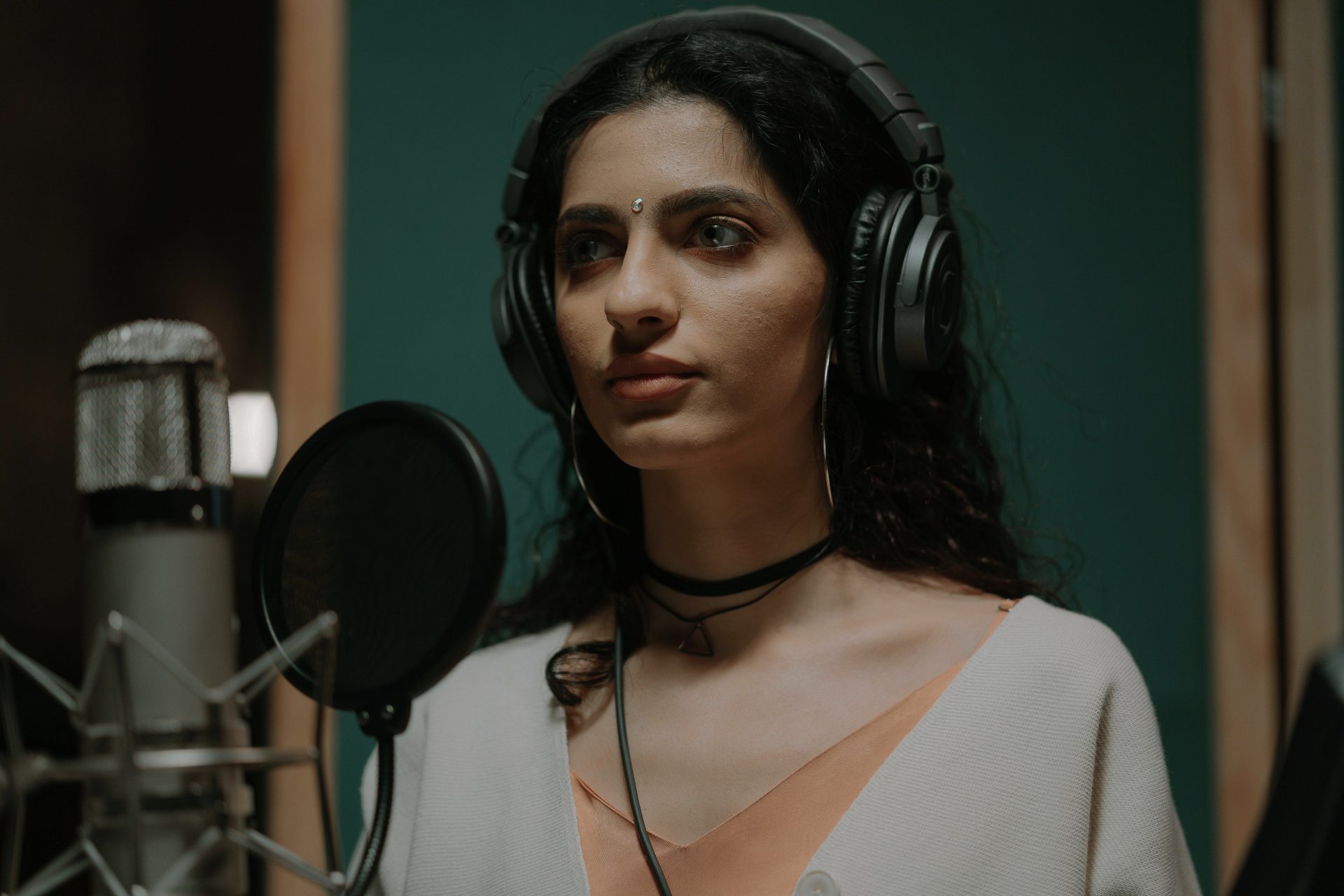
Yes, voiceovers are very useful for eLearning content as they support learning. For example, Mayer’s Modality Principle states that “people learn more deeply from pictures and spoken words than from pictures and printed words”.
Are human or AI voiceovers best for eLearning?
This depends on your specific project and goals. If your goal is to prioritise quality and engagement, then a human voiceover is best suited. If you want to scale and are more focused on quantity, AI voiceover services may be the better fit.
That being said, we will always tailor bespoke advice to your situation.
What are some underrated ways of making eLearning accessible?
Some underrated ways of making eLearning content accessible include audio description, for learners who are blind or have sight loss, and sign language interpreting, such as BSL, for learners whose first language is BSL.
Do you have ISOs?
Yes, VoiceBox, part of the Wolfestone Group, has three ISOs. ISO 27001, outlining robust global information security management systems, ISO 9001, for quality management, and ISO 17100, for translation services.
What is your human quality assurance process like?
Our human quality assurance (QA) process is managed by our experienced in-house project managers across all of our services. Our team coordinates specialist reviewers and checks each project against the source material and the client’s requirements. This includes accuracy, terminology, consistency, timing, formatting, audio quality and overall presentation.
For example, in subtitling, the project manager ensures that the translation is reviewed and that the timecodes, reading speed, line breaks, punctuation and synchronisation meet the required standards. A final project-level check then confirms that the completed files are accurate and ready for delivery.
Are you experienced with eLearning content?
Yes, we are very experienced working with eLearning content. For more than a decade, eLearning has been one of our most popular industries, that spans one-off projects to ongoing, white-labelled support.
Do you offer white-labelled support?
Yes, we can provide white-labelled deliverables under your brand, either as a one-off, when needed or as an ongoing partner. That is the reason that we can’t name some of the eLearning providers that we have worked with.
Which authoring formats do you work with?
We work with authoring platforms such as Articulate Rise 360, Storyline 360, Adobe Captivate, iSpring and Powerpoint.
Which learning packages do you work with?
We work with learning packages like SCORM 1.2 and 2004, xAPI packages, LMS-ready folders and course asset libraries.
Which video and audio formats do you work with?
We work with video and audio formats, including:
- MP4 and MOV
- WAV and MP3
- SRT and VTT
- Timed scripts
- Separate audio tracks
Which document formats do you work with?
The document formats we work with are:
- PDF and Word
- PowerPoints decks
- Workbooks and guides
- InDesign packages
- Image-based assets
What would you recommend starting with?
We would recommend that you start with one module. A short, paid test can prove the voice, timings, subtitles and workflow before a wider rollout.
Get in touch
Let's have a chat! We offer free consultations, honest advice and demos so you can explore what's possible before making a decision.